AOMEI Partition Assistant
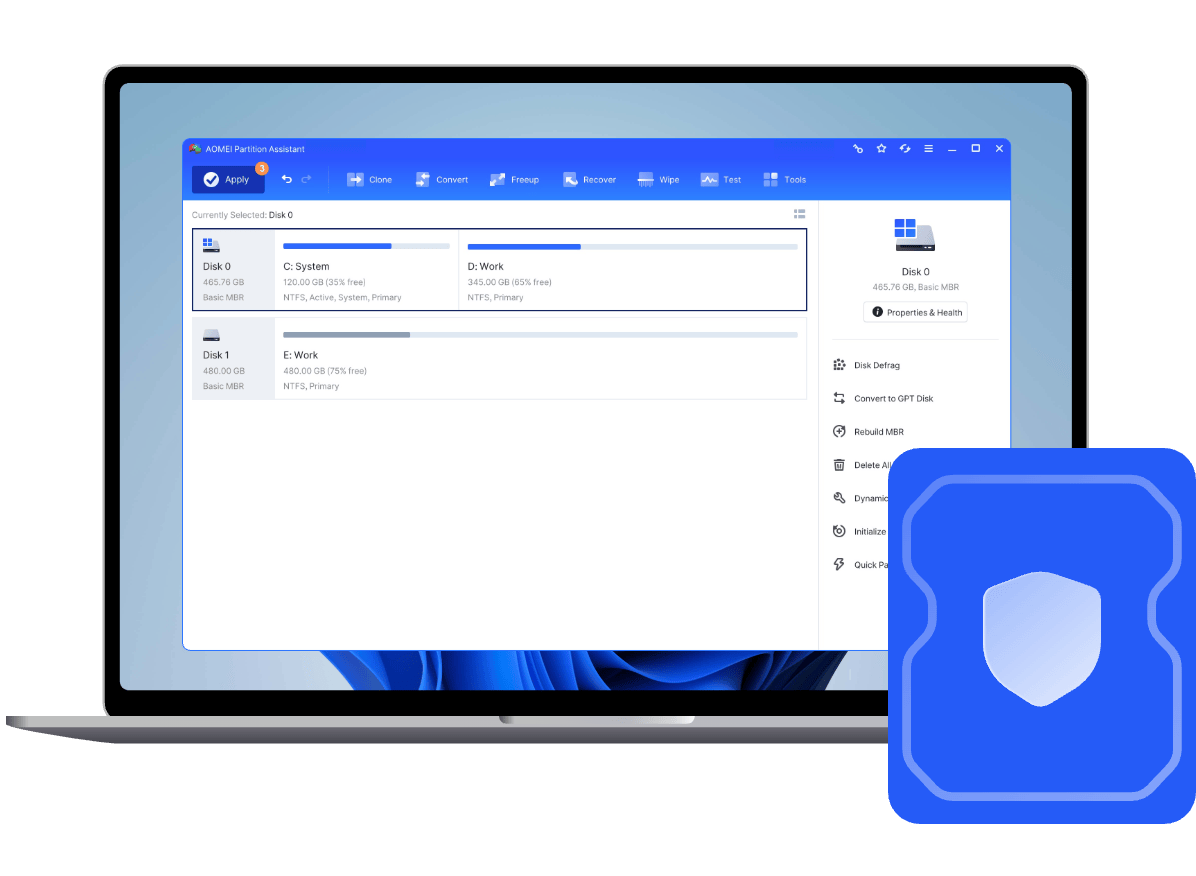
Solution to "Extend Volume" greyed out or "Shrink Volume" not enough space. Easily adjust partition size without data loss.
Combine two partitions into a larger one, or add not adjacent unallocated space to any partition.
Create partitions from an unallocated space or existing partition for different data storage need.
Check partitions to find errors or bad sectors, and then help you fix them.
Delete a partition if we don' t need it anymore and an unallocated space will be generated.
Format a partition to another different file system such as NTFS, exFAT, Ext 4, Ext3, Ext2 or FAT32.
Change file systems between NTFS and FAT32 without reformatting the partition.
Repair Windows unbootable issues due to the damaged Master Boot Record without destroying any data.
Extend, shrink, create, delete dynamic volumes, including simple, spanned, striped, mirrored, and RAID-5 volumes.
Efficiently clone a data (non-system) disk or partition to quickly transfer its contents to another hard drive for hard drive upgrade or data backup.
Move operating system, boot information, programs, and files to a faster SSD or a larger hard disk without reinstalling Windows.
Quickly search and get back files in various data loss scenarios, such as deletion, formatting, RAW drive error, partition loss, virus attack, etc.
Move applications and their related Cache & Downloads folders, or large video folders from one drive to another to free up space.
Convert a dynamic disk to basic disk, or convert a basic disk to dynamic disk without losing any data.
Convert a data (non-system) disk from MBR to GPT for breaking the 2TB limit, or from GPT to MBR for better compatibility.
Build a customized Windows 11, 10, 8.1/8, 7 on removable USB drive to boot it from any computer.
Create a Windows PE bootable CD/DVD or USB to troubleshoot disk partition problems when the system fails to boot.
Run AOMEI Partition Assistant from Windows built-in recovery environment of current system.
Initialize an offline or unknown not initialized disk to either the MBR or GPT partition styles.
Rapidly measure sequential and random read/write speeds of HDD and SSD to test disk performance.
Analyze the hard disk partition and rearrange fragmented data to optimize disk performance.
Erase a disk or partition permanently to prevent sensitive data from being recovered.
Destroy unwanted files and privacy data from your computer to avoid being recovered.
Remove all kinds of junk files from your computer to free up more space and improve computer performance.
Modify the serial number for you disk volume without reformatting hard drive.
Monitor disk health status to replace a disk or migrate the data before it fails completely.
Bring order out of chaos and reorganize your drives in a certain way.
AOMEI Partition Assistant Professional offers various tools on a user-friendly interface, simplifying PC disk partition management and making it safer than ever before. It allows you to create, resize, move, merge, and split partitions without losing data to maximize disk space use. It also released new features like disk conversion between MBR and GPT, OS migration, added Fill sectors with random data, DoD 5220.22-M, and Gutmann wiping methods, etc. for Windows 11/10/8.1/8/7.
Download for PC
AOMEI Partition Assistant Server, powerful and reliable partition manager integrates a set of functions allowing you to rapidly manage hard drives, change disk properties, repair disk errors, clone disk and OS, convert disk from MBR to GPT, move app, and more for Windows 2022/2019/2016/2012/2008 and Windows PC.
Download for Server
 For PC
 For Server




Aomei Partition Assistant is an easy-to-use tool to help you set up and manage partitions on your PC's hard drive. The program provides all the functionality you'd expect, and some you might not.

AOMEI Partition Assistant Professional Edition is an all-around application that integrates simple-to-handle options for disk and partition management. It can be used as an alternative to the built-in Windows utility for processing this kind of tasks. Partition Assistant is a fantastic tool that quickly and easily solved our IT department's problem.
As partitioning software, AOMEI Partition Assistant is as good as any program I've seen. It enables you to do almost anything with disks and partitions. The standard version is more than adequate for most users, and the pro version is as good as it gets. I have some nits concerning, but the Windows To Go trick trumps those gripes big time.



I'm a professional computer tech with my own concierge business. I've researched plenty of similar software. Yours is the best in the world! I basically gave up on trying to switch my HDD to GPT without formatting it. I found AOMEI partition assistant and switched it in seconds without deleting all my stuff! Keep up the great work.
Hi, I’ve been building PCs with Windows/Unix/NeXTstep since 1987.Your partition Assistant is AWESOME! I restored a 256GB SSD backup to a new 512GB SSD and got the dreaded “unallocated partition not next to active partition” issue. Your Partition Assistant fixed it in like 15 seconds, and that time is with me choosing the options! You guys are the best! Thanks!
Thank you for your product. I used it last night to copy my OS drive to a new, larger SSD. The process worked well, although it did generate an error when the copy completed but I was able to successfully boot from the copy. I also used your product to convert my MBR disk to GPT. Partition Master is a fabulous product and I thank you for it.
 AOMEI Partition Assistant
  AOMEI Partition Assistant